Objective:
This post is part of a series of post that will detail each step to run a completely automated Workbench Workflow. The scripts are the following:
1. Workbench python script & the batch command to launch this script from a single command line: https://discuss.ansys.com/discussion/10615/scripting-a-complete-workbench-workflow-from-geometry-to-post-processing?new=1
2. Discovery python script to create a geometry from scratch - Current post
3. Mechanical python script to pre and post-process the static structural model: https://discuss.ansys.com/discussion/10617/mechanical-scripting-pipe-model-pre-post-processing?new=1
Discovery script: create a simple pipe geometry from scratch
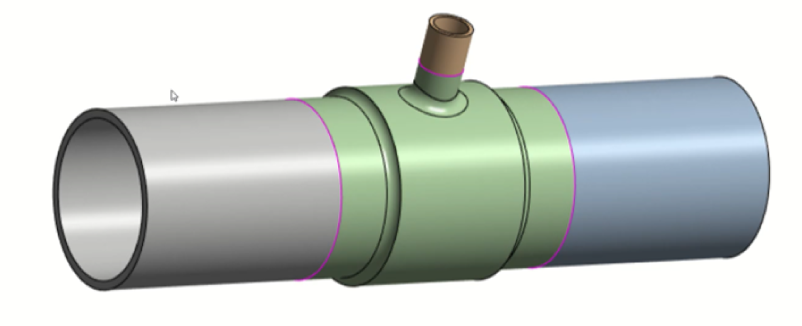
In Discovery, the script editor can be found in the Design tab --> "Script Editor", and you can record yourself to see what commands correspond to any user action.
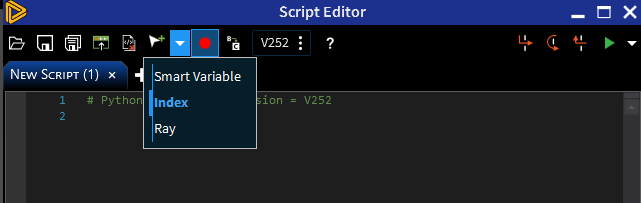
Note: you can change the way object selection is written to script in the dropdown of the "Insert selection" button. It is usually more useful to switch to "Index" so the selection logic is based on Tree items:
The following python code has been written for version 25R2:
see comment below
