Description
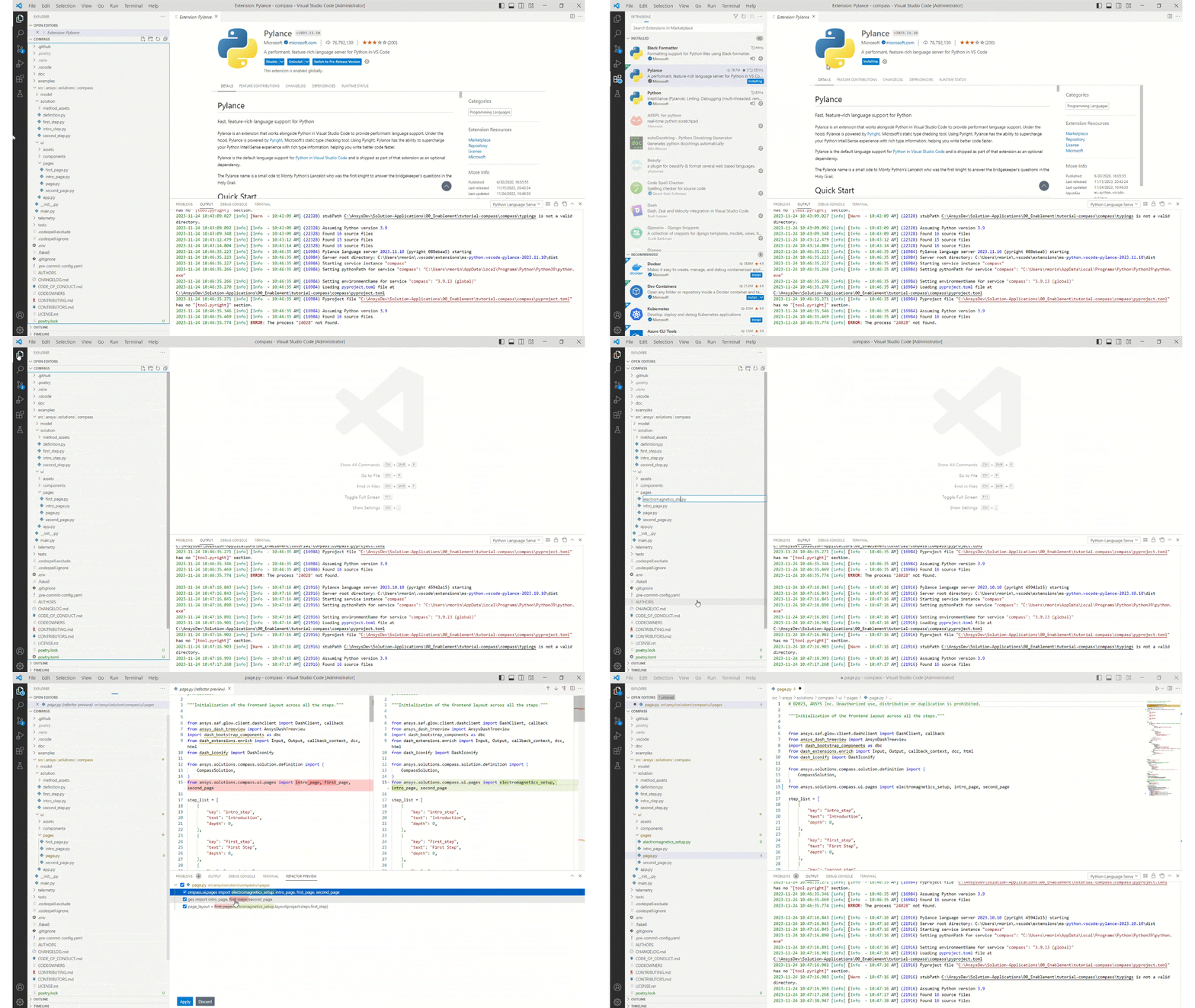
If you have the Pylance extension installed in your VScode environment, you can quickly rename modules in your project. When you rename a Python module, Pylance throws a pop up window to prompt you to choose whether you’d like to change all instances of the module throughout your code. If you’re not sure, you can preview all the changes before you apply the changes and refactor your code. Refer to the VSCode documentation for more information
Problem
Currently, if I rename a Python module with Pylance version 2023.11.10, the references and imports with this module are not identified or changed. Similar issue has been reported here.
Proposed workaround
I fixed this issue by downgrading the version of Pylance to 2023.10.10. To install an older version of a VSCode extension, I followed the steps documented here.